Tap an empty line and type. Press Return for the next one. No plus button to hunt for.
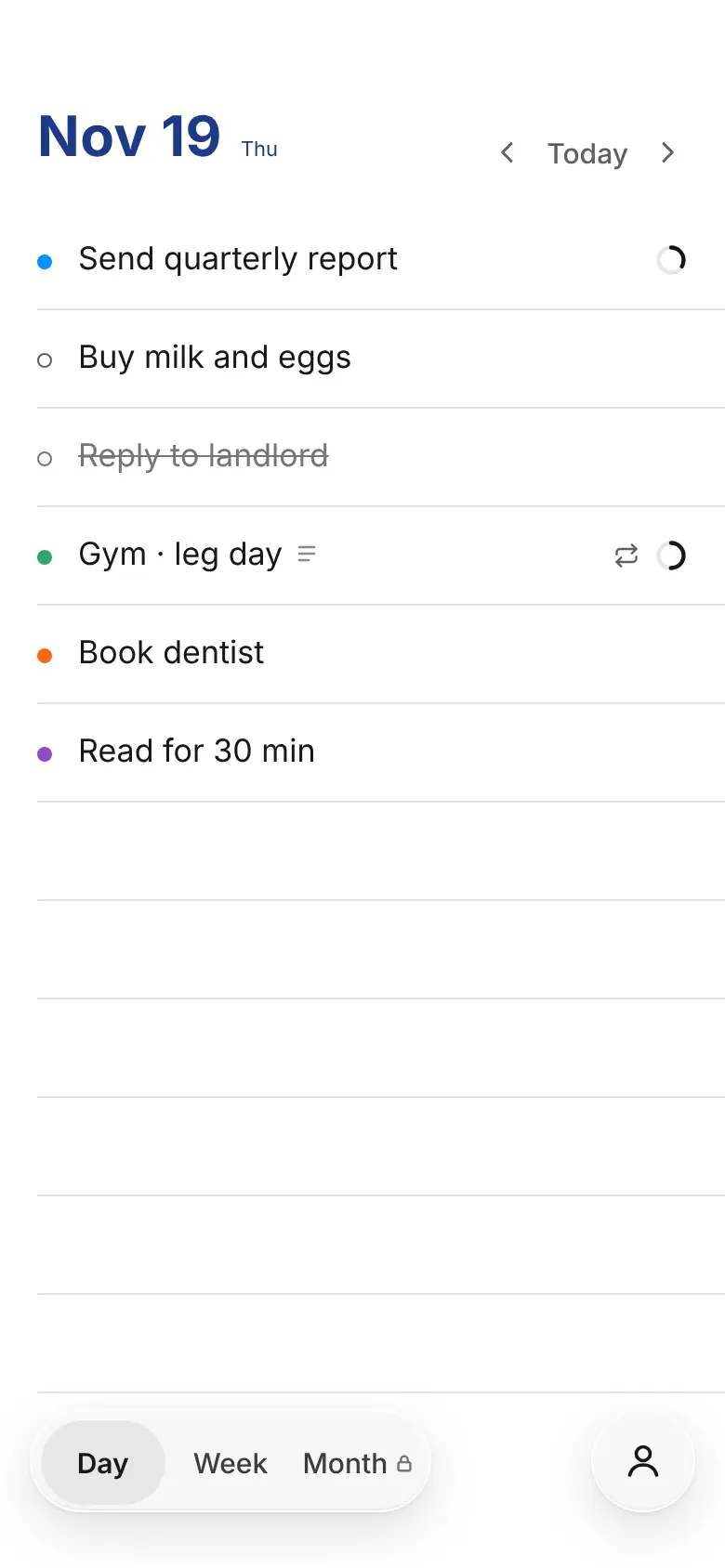
Simple. Just enough.
margo. is a to-do list app. Write down what you need to do, plan it in Day, Week, and Month views, and keep it in sync across iPhone, iPad, Mac, Android, and the web.
Tap an empty line and type. Press Return for the next one. No plus button to hunt for.
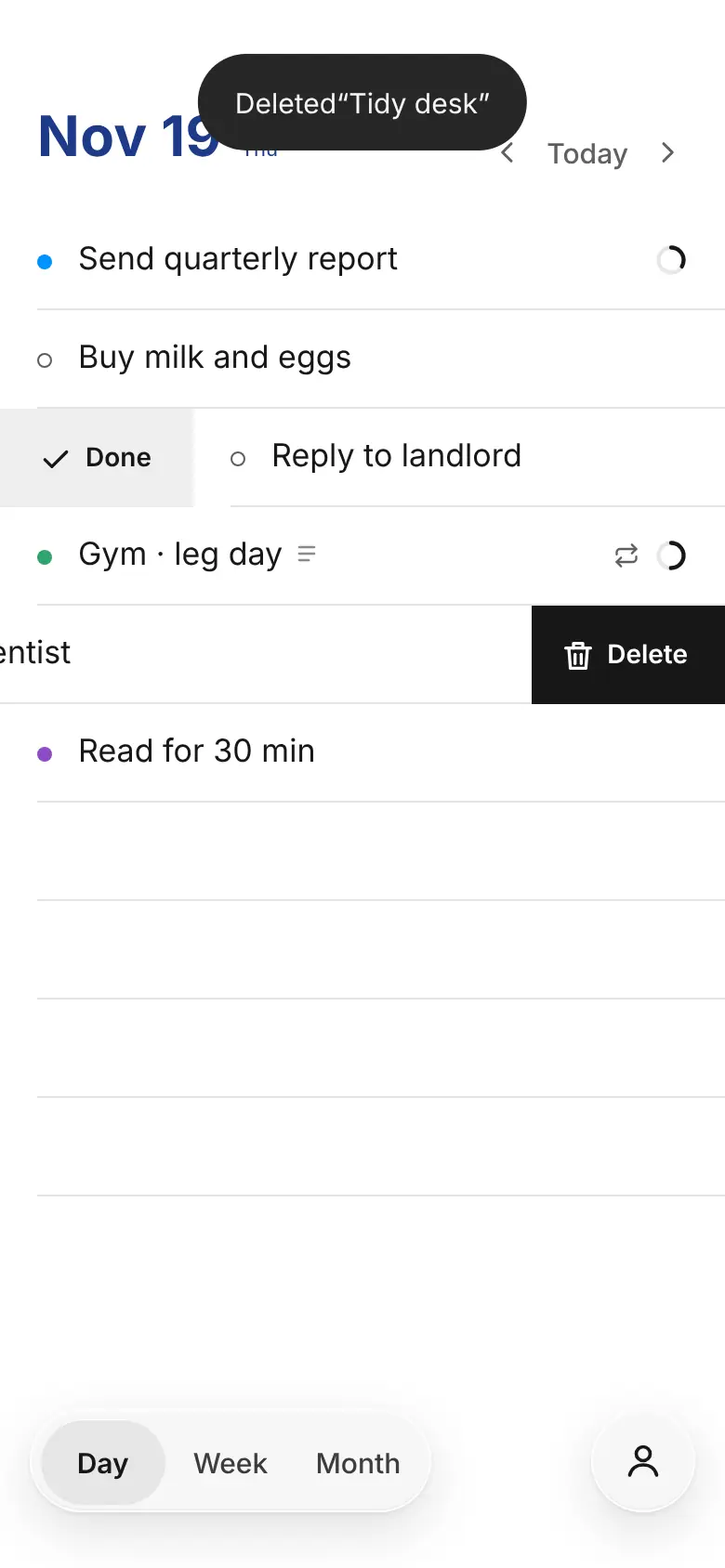
Swipe right to finish. Swipe left to delete. One flick, one less thing.
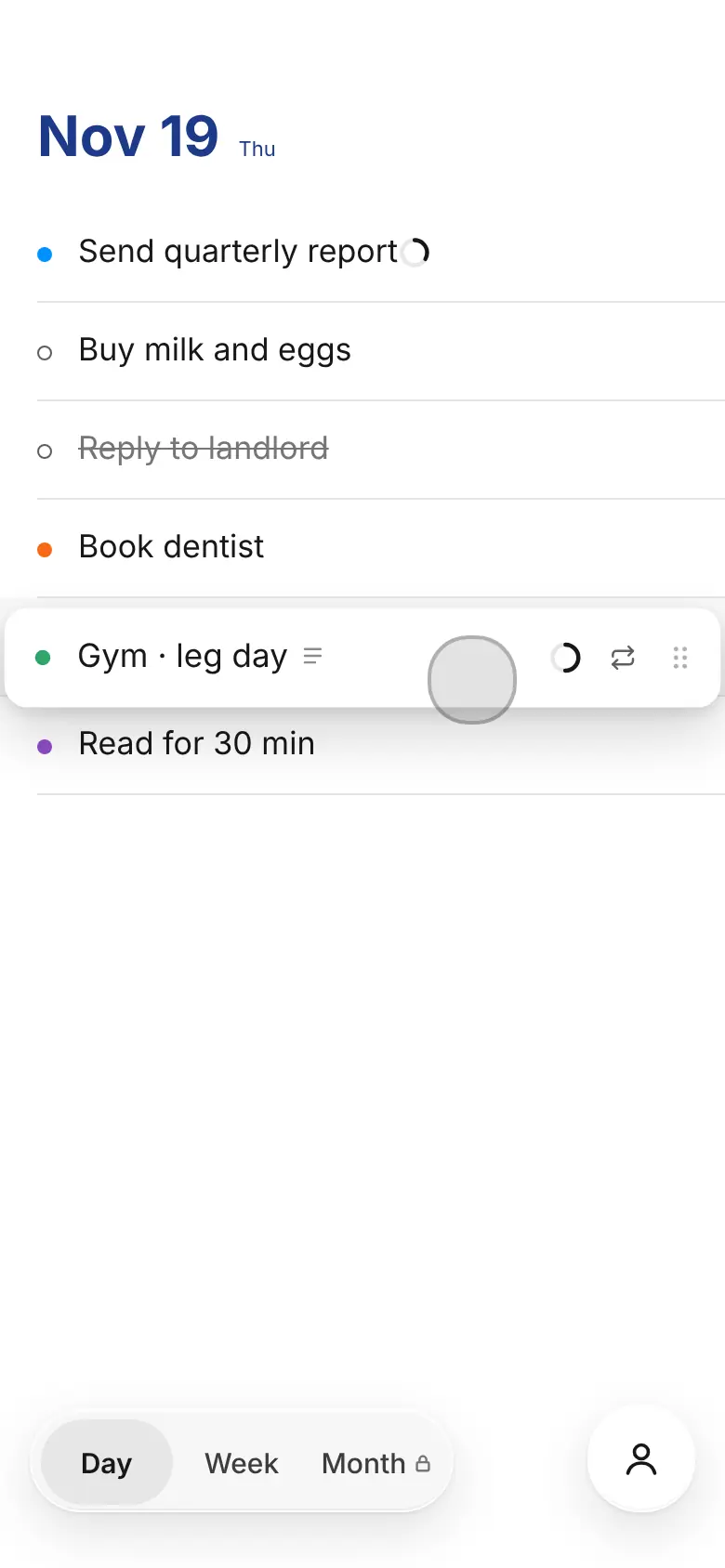
Press, hold, and drag it where it belongs. Reorder, or move it to another day.
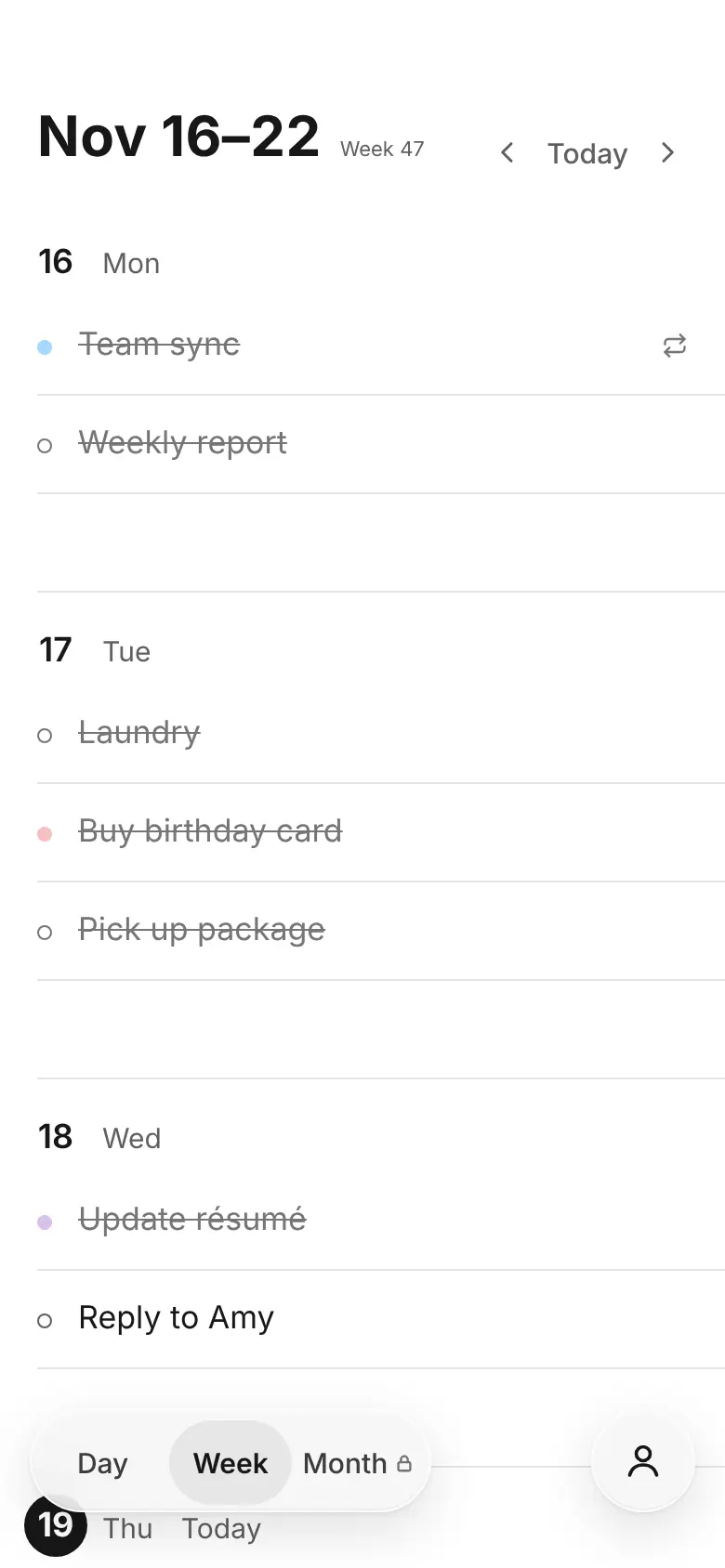
Your whole week, top to bottom. It opens right on today.
Dark Mode. Just as calm at night.
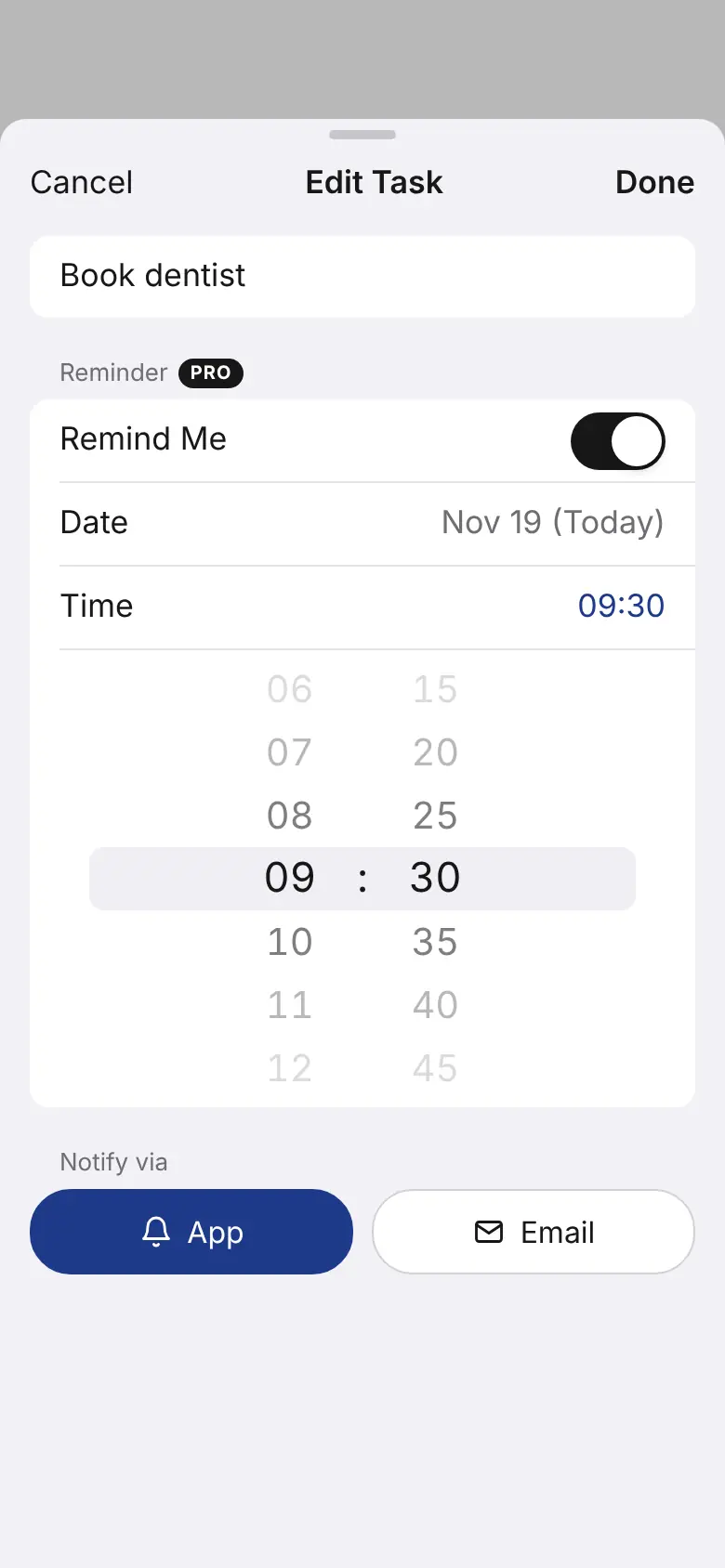
It reminds you right on time. By app notification, email, or both.
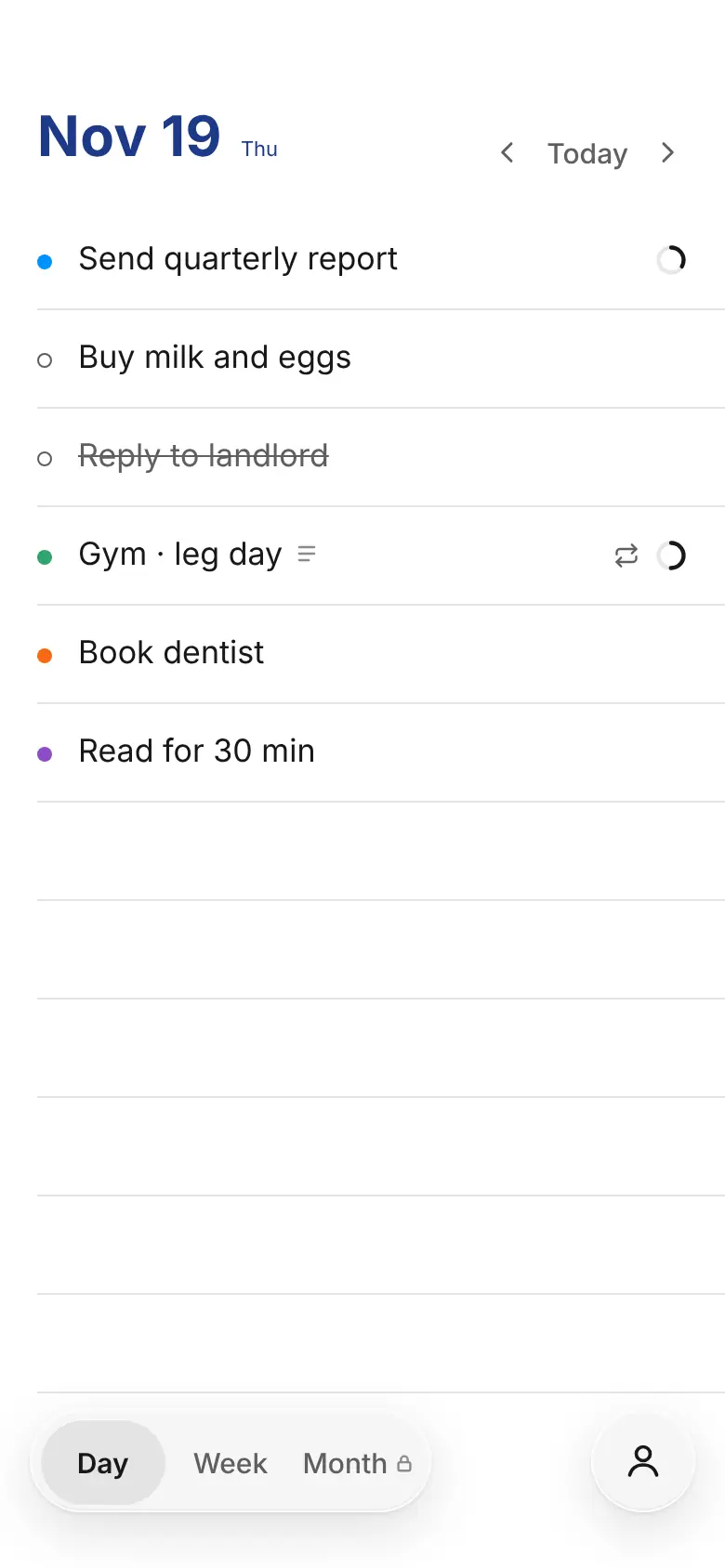
Just today. Get through what’s in front of you, one thing at a time. On tablets and computers, you see 2 to 4 days side by side.
Tap a task and an editing sheet slides up from the bottom. No projects, tags, or priorities to set up — just the few things you’ll actually use.
Beyond the default Mono, there are five soft, muted palettes. Each comes in light and dark, and the whole app changes with it.
Mono Free
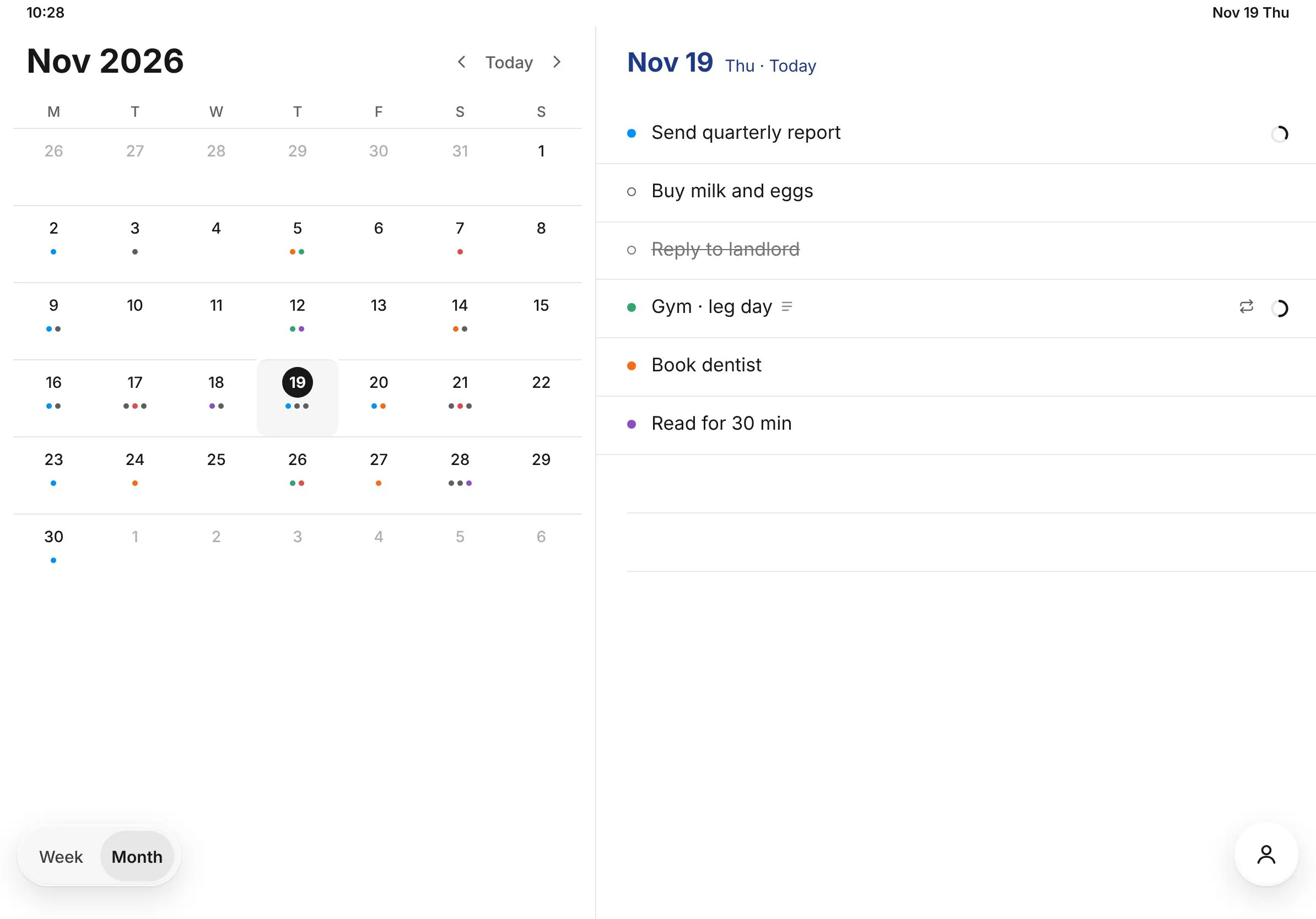
The layout adapts to the width of your window. With enough room, Week view spreads into seven columns, and Month view puts the calendar on the left and the list on the right.
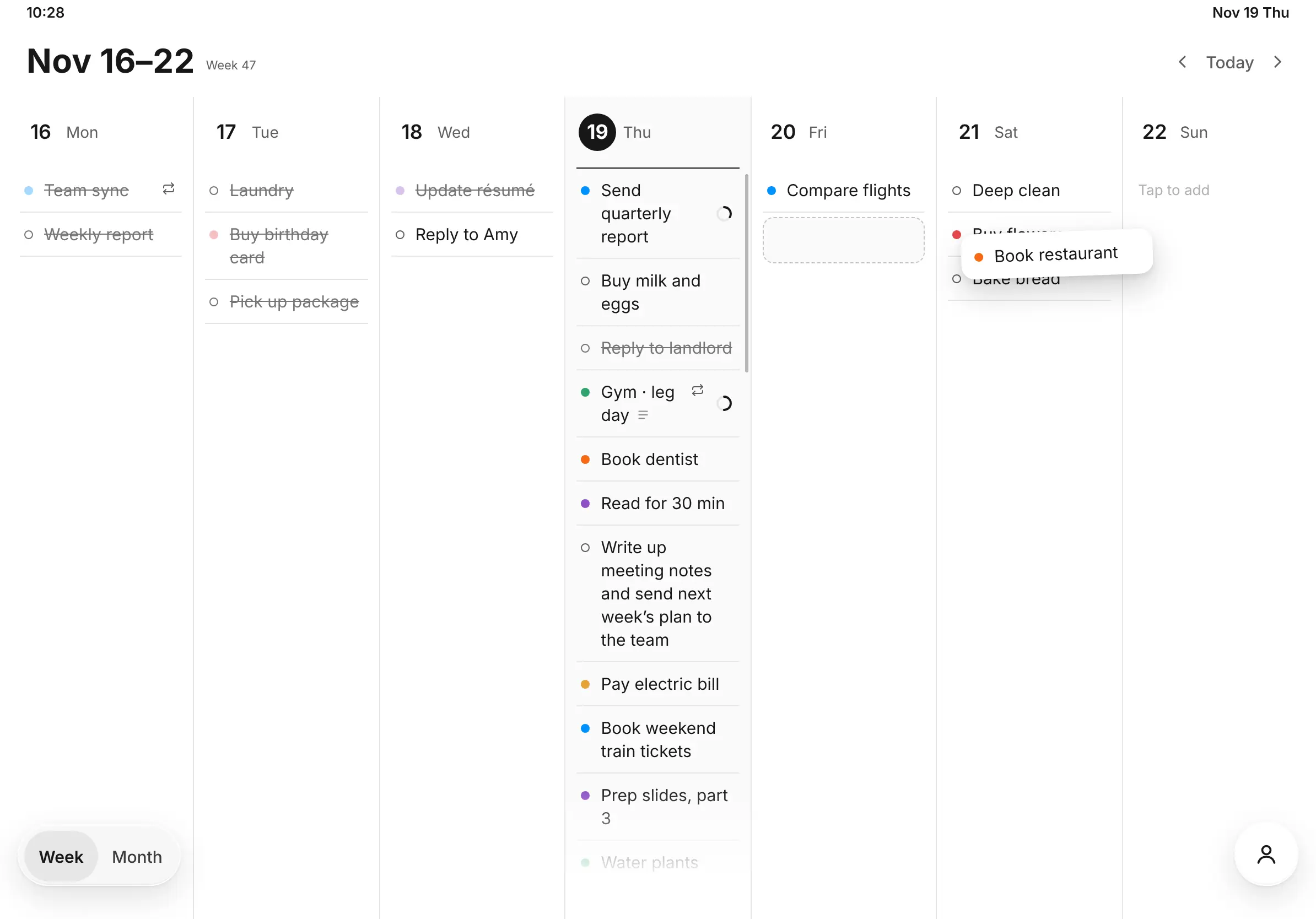
Week view on tablets. On iPad and Android tablets, seven days sit side by side. Press and hold a task to drag it to another day.
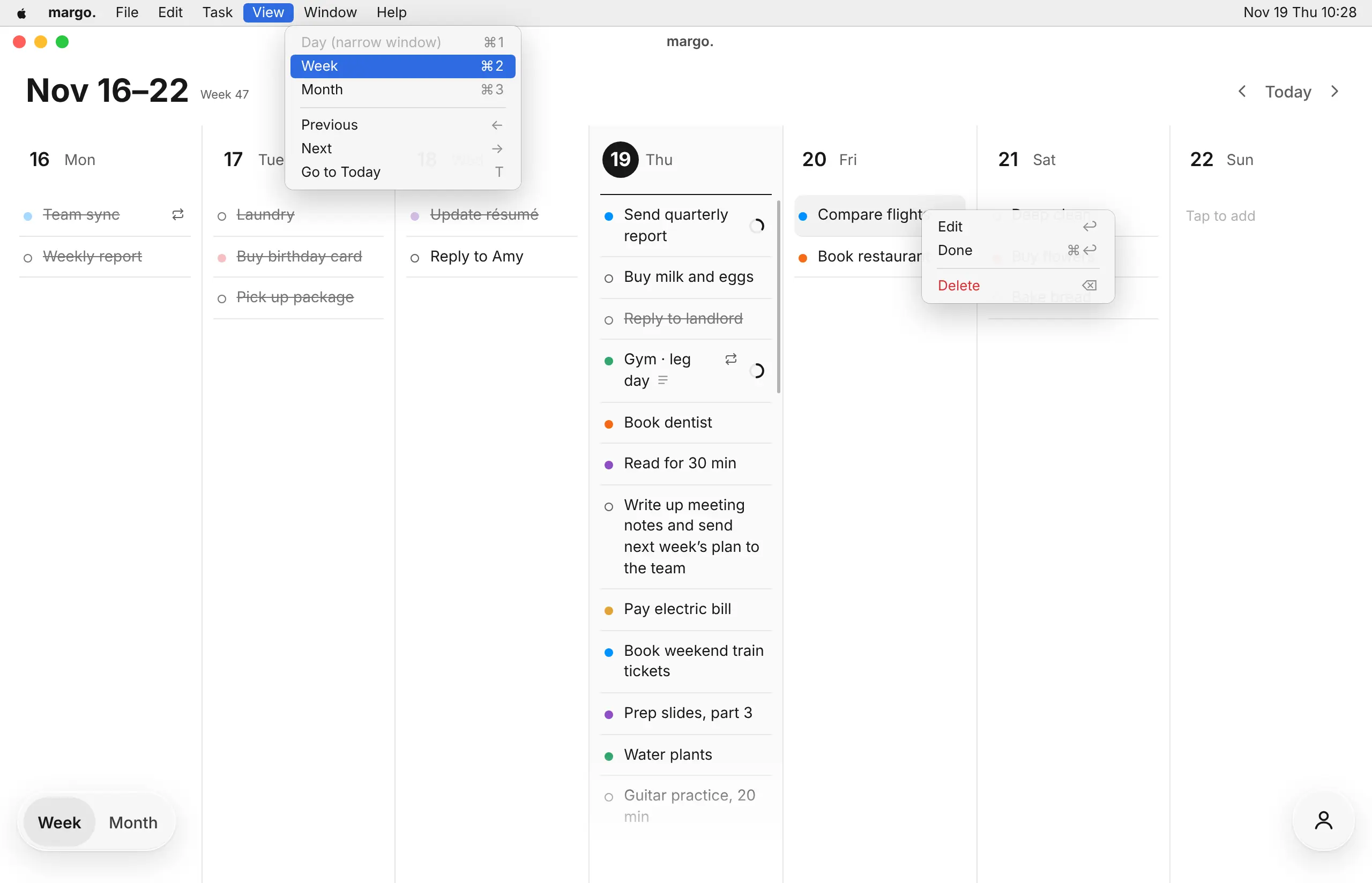
On a computer, the keyboard does the work. The Mac app and the web app both have context menus and shortcuts, so switching views is one keystroke away.
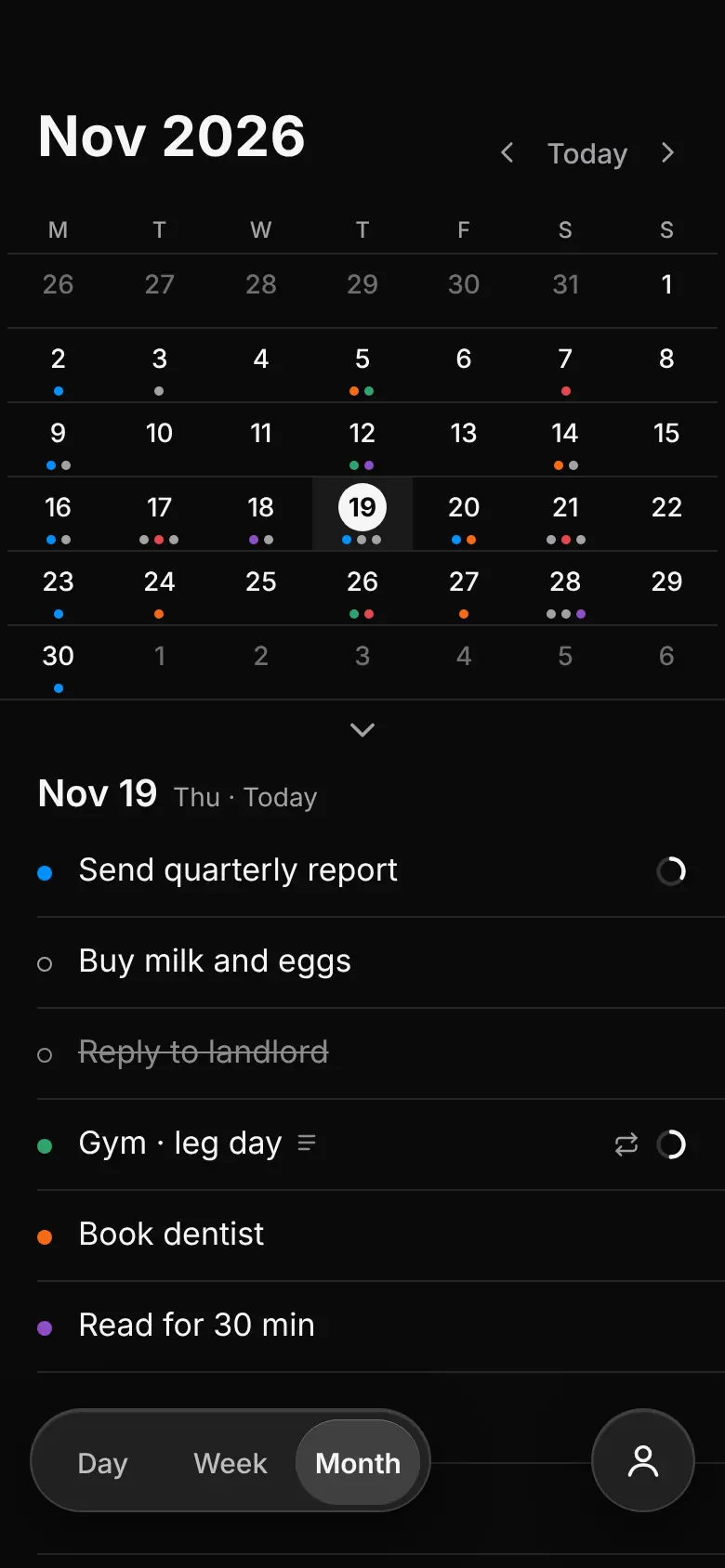
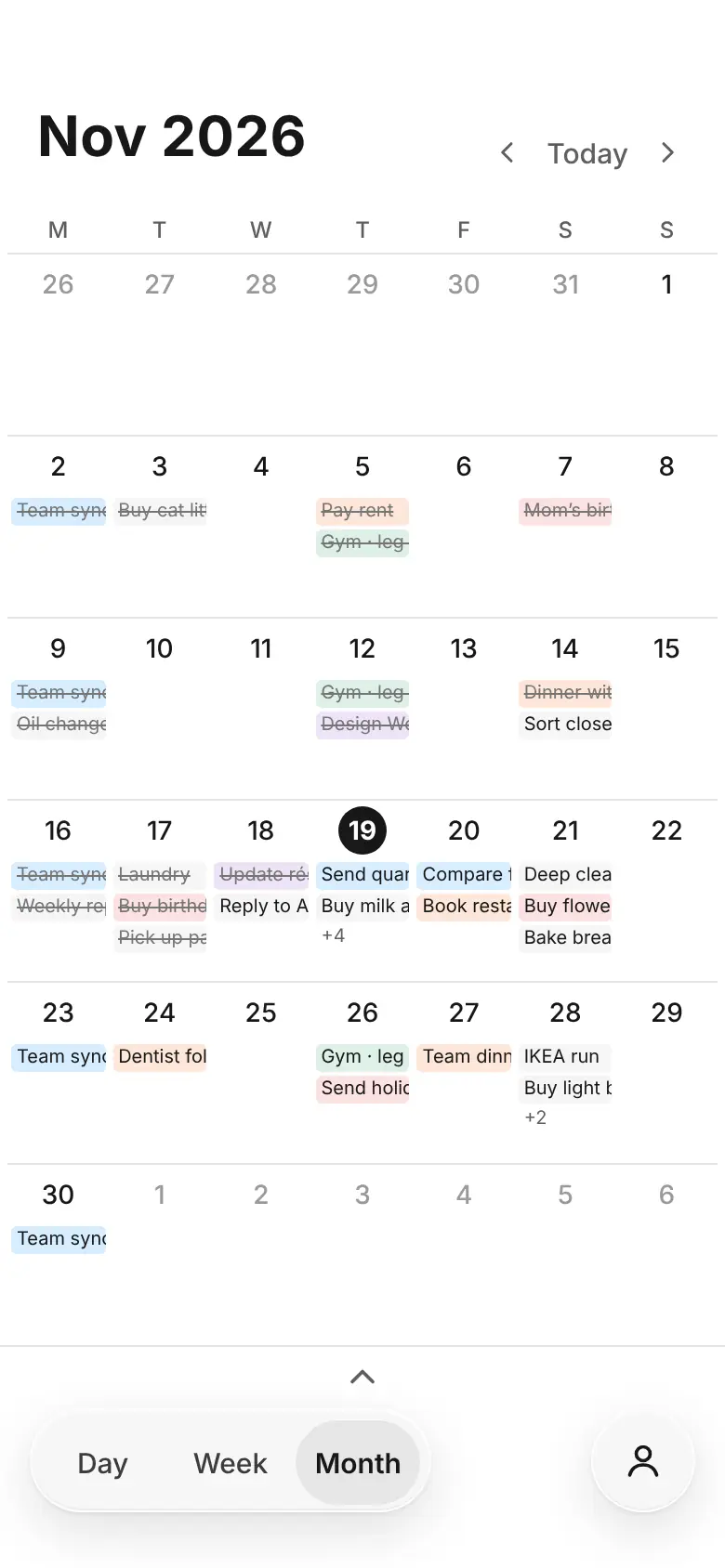
See the whole month at once. Busy days light up with little dots.
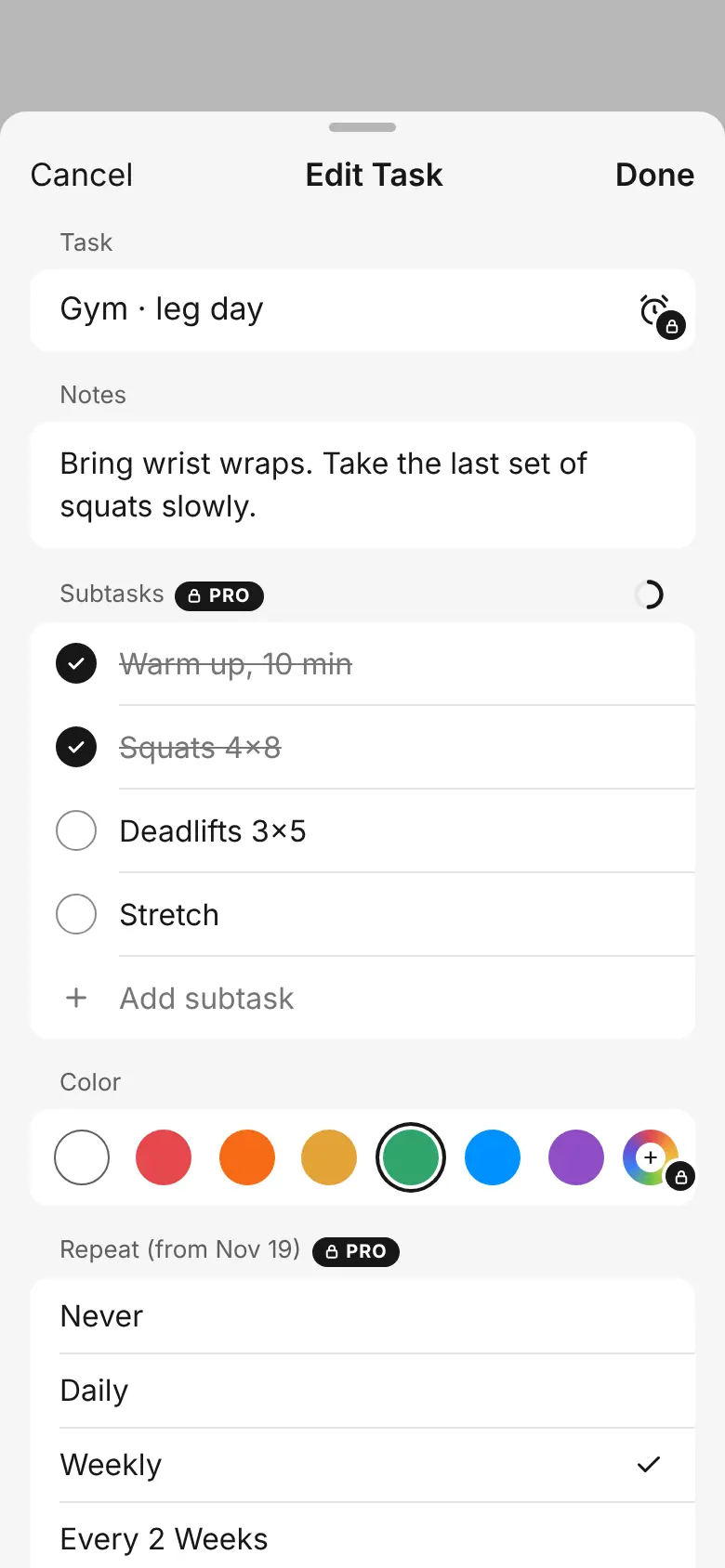
Set it once and you’re done. When you edit, change just this one or every one after it.
Get reminded right on time, by app notification or email.
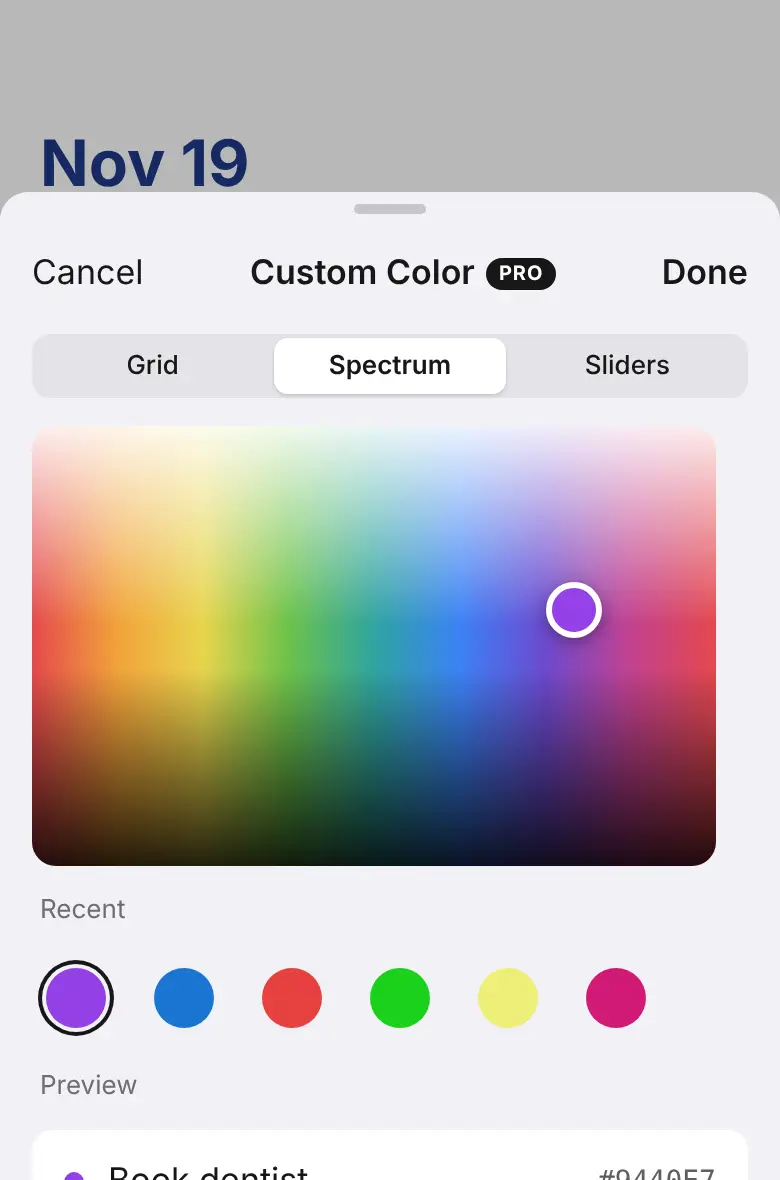
Grid, spectrum, or sliders — give every task a color of its own.
Paper, Mist, Sage, Dusk, and Rose. Beautiful in light and dark.
Break a big task into small steps and check them off one by one. A tiny progress ring in your list shows how far along you are.
Phone, tablet, computer, and web — use up to 5 devices on one account at the same time. The free plan includes 1.
Sign in with Apple, Google, or email, and your tasks follow you to every device. Signing in is used only to identify you and sync your tasks between your devices; see our Privacy Policy.
Connect margo. to Claude or ChatGPT, then add, edit and organize tasks just by asking.
Learn how to connectTomorrow
Pro comes as a monthly or yearly subscription with exactly the same features. Subscribe through the App Store or Google Play and cancel anytime.
Everything for everyday to-dos
NT$0
Free forever
Renews every month
NT$149/mo
Then NT$149/month. Cancel anytime.
Renews every year
NT$1,199/yr
About NT$100 a month — 33% less than monthly
Then NT$1,199/year. Cancel anytime.
Forever. There’s no time limit.
No. Your tasks live in your account, so they come back as soon as you sign in on the new device. The free plan works on 1 device at a time, so you’ll be asked which device to keep.
With Apple, Google, or an email and password.
Yes. Once you connect margo. to Claude or ChatGPT, you can ask the AI to view, add, edit and delete tasks — on the free plan too. Reminders, repeats, subtasks and custom colors are still Pro features. To connect, see Use with Claude & ChatGPT.
Only how often you pay — the features are identical. Yearly works out to about NT$100 a month, 33% less than monthly.
Subscriptions are managed by the App Store or Google Play, so cancel in your store’s subscription settings. You keep Pro until the end of the current period.
Yes, within 30 days — just sign in again and your tasks and settings will still be there. After 30 days, everything is permanently deleted. Deleting your account doesn’t cancel your subscription, so remember to cancel it in your store too.
Free to download. Works on iPhone, iPad, Mac, Android phones, tablets and foldables, and the web.